Build the light around your subject.
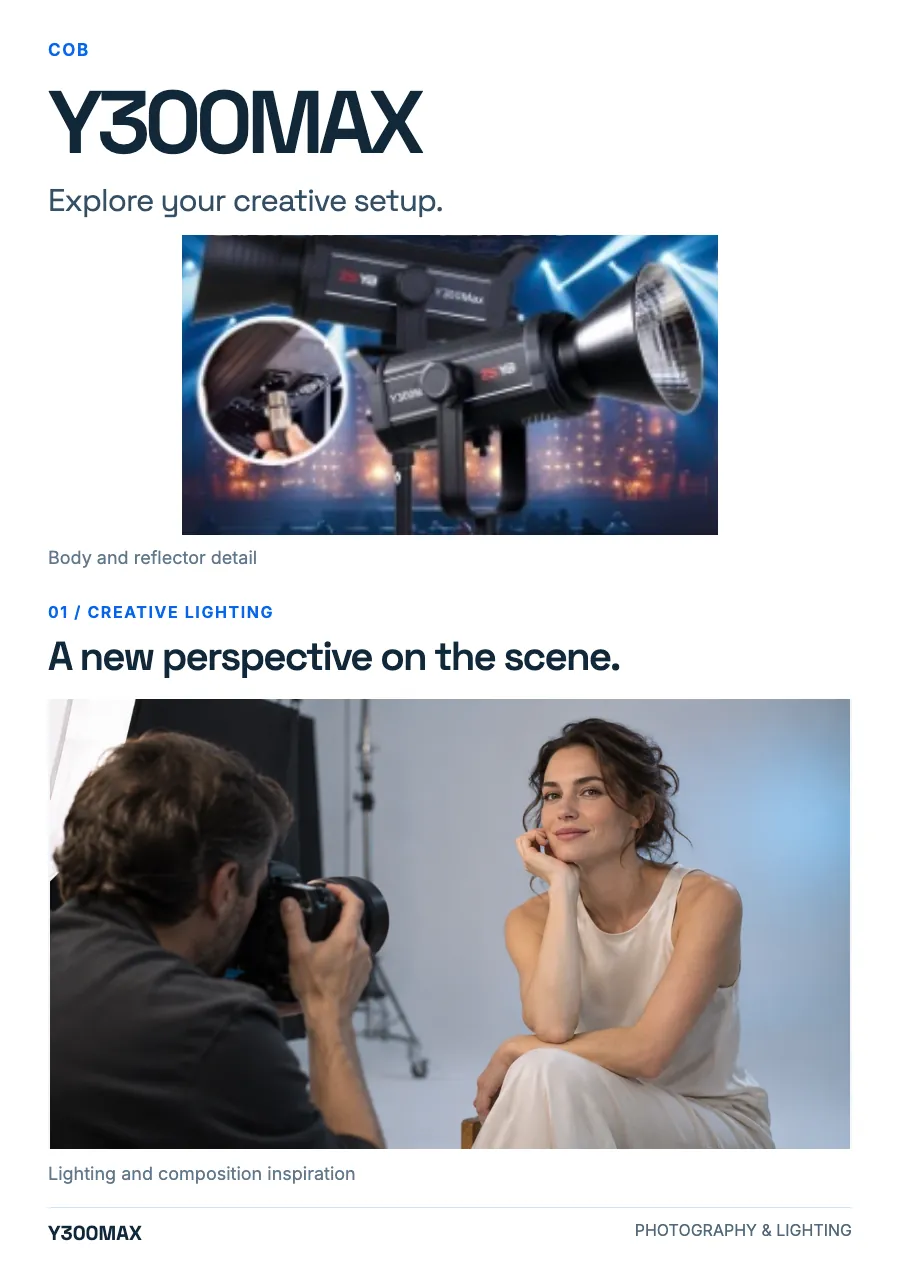
Start with the direction of the key light. Move it off the camera axis for shape, then choose the modifier and fill for the portrait, interview or product in front of you.
Light · COB & studio lights
Image 1 / 1
Explore the product. Select a view to enlarge.
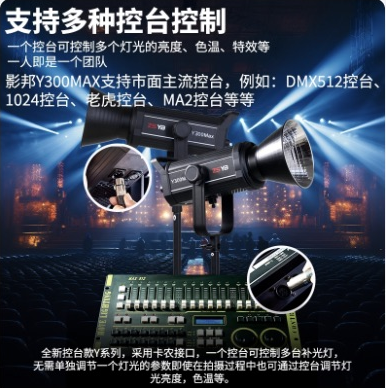
The Y300MAX capture describes controlling multiple lights and adjusting brightness, color temperature and effects from a console.
Price on request
Saved in this browser only. No inquiry, quote or order is sent.
IN FOCUS Y300MAX
Explore the setup, then make the light your own.
Start with the direction of the key light. Move it off the camera axis for shape, then choose the modifier and fill for the portrait, interview or product in front of you.
Product overview
The Y300MAX capture describes controlling multiple lights and adjusting brightness, color temperature and effects from a console.
Preparing image and selection controls… You can read product information and original images.
Explore the design, features and configuration.
The details
Source material
Explore product images, configuration information and available documents.
Source captures remain separate from the product photographs. Read the specifications above alongside the supplied material.
Keep exploring
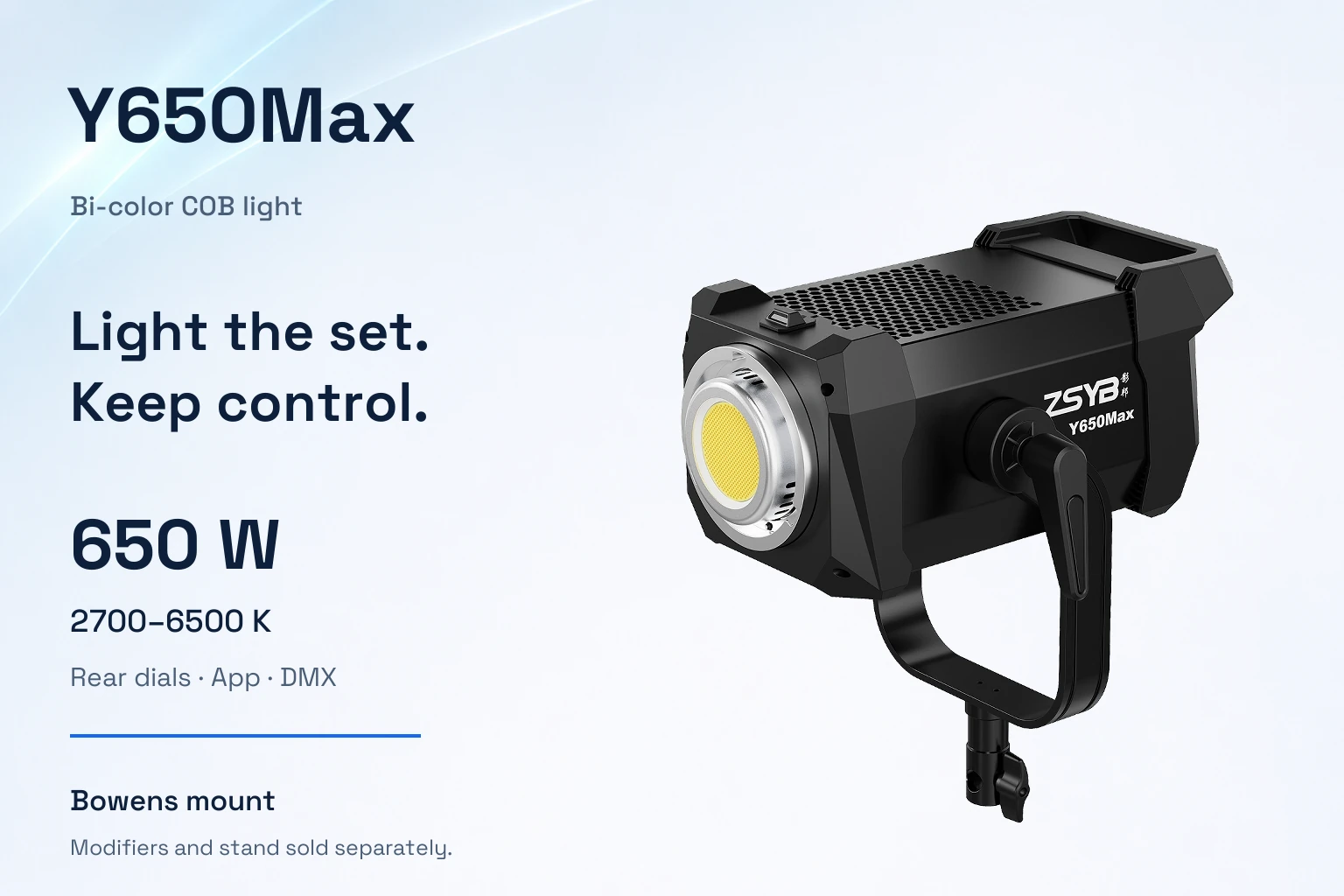
Light
Bi-color COB · Bowens mount
USD $177.17 / unit
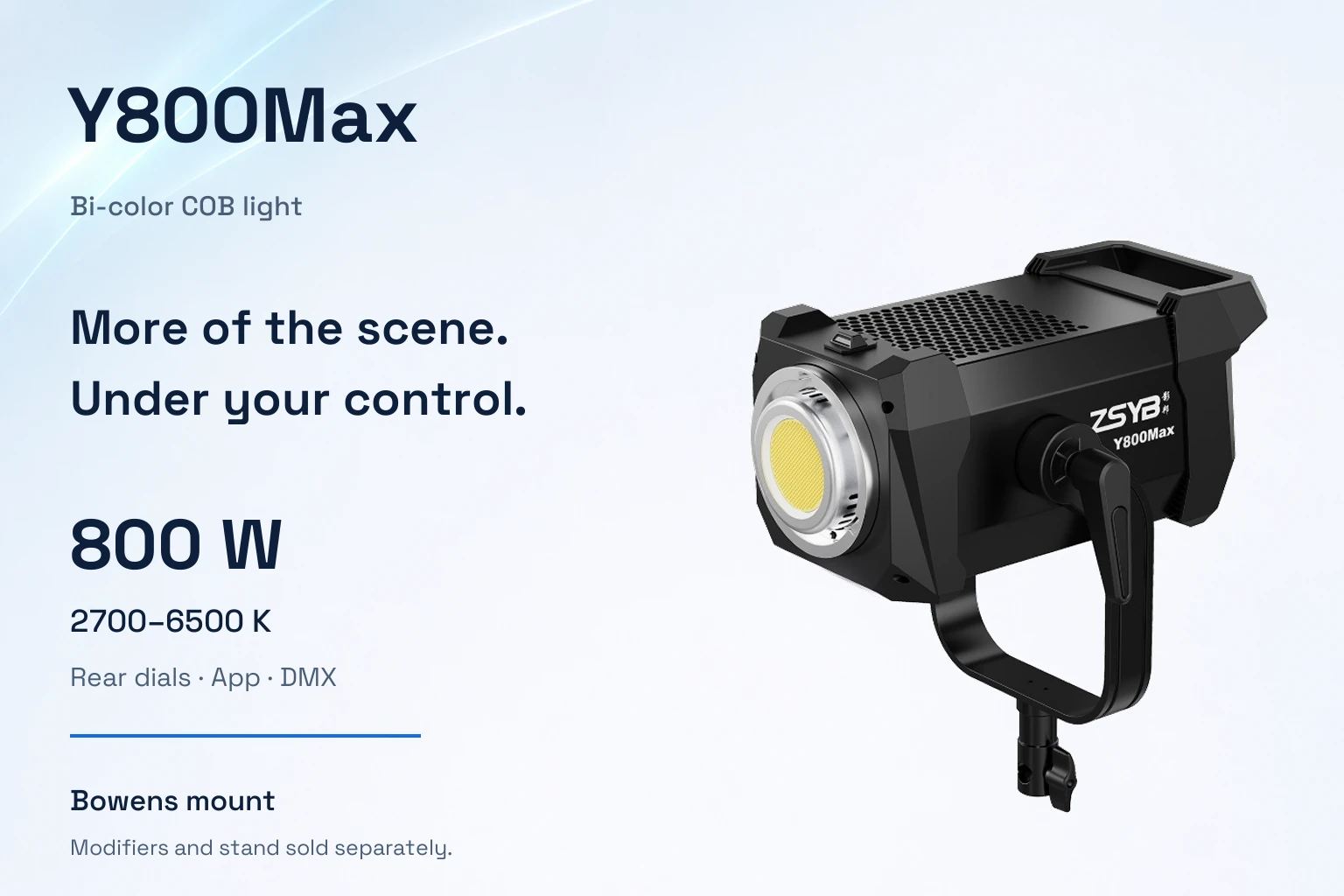
Light
Bi-color COB · Bowens mount
USD $250.12 / unit
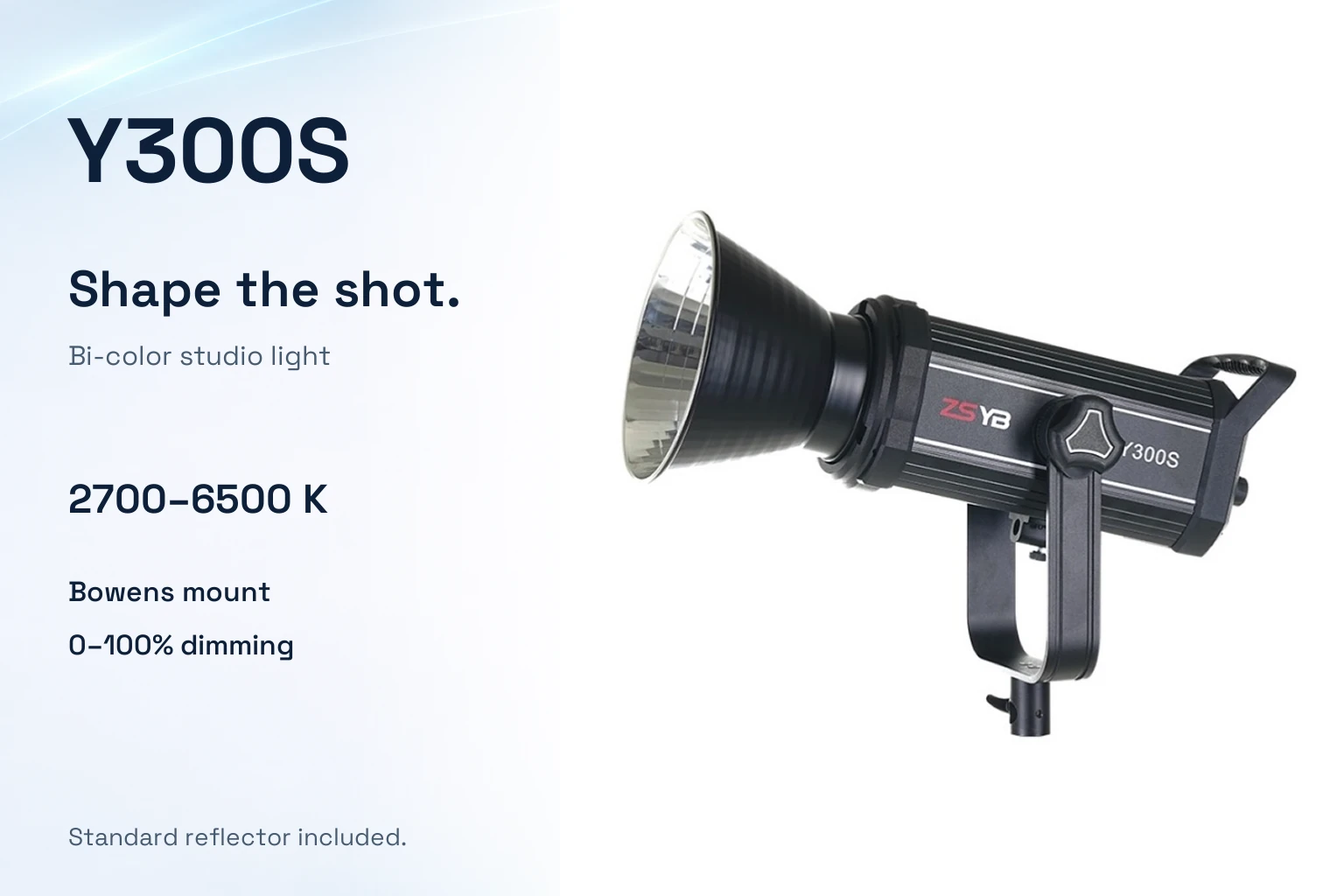
Light
Bi-color Y300S variant · Bowens mount
USD $100.05 / unit