Saved in this browser only. No inquiry, quote or order is sent.
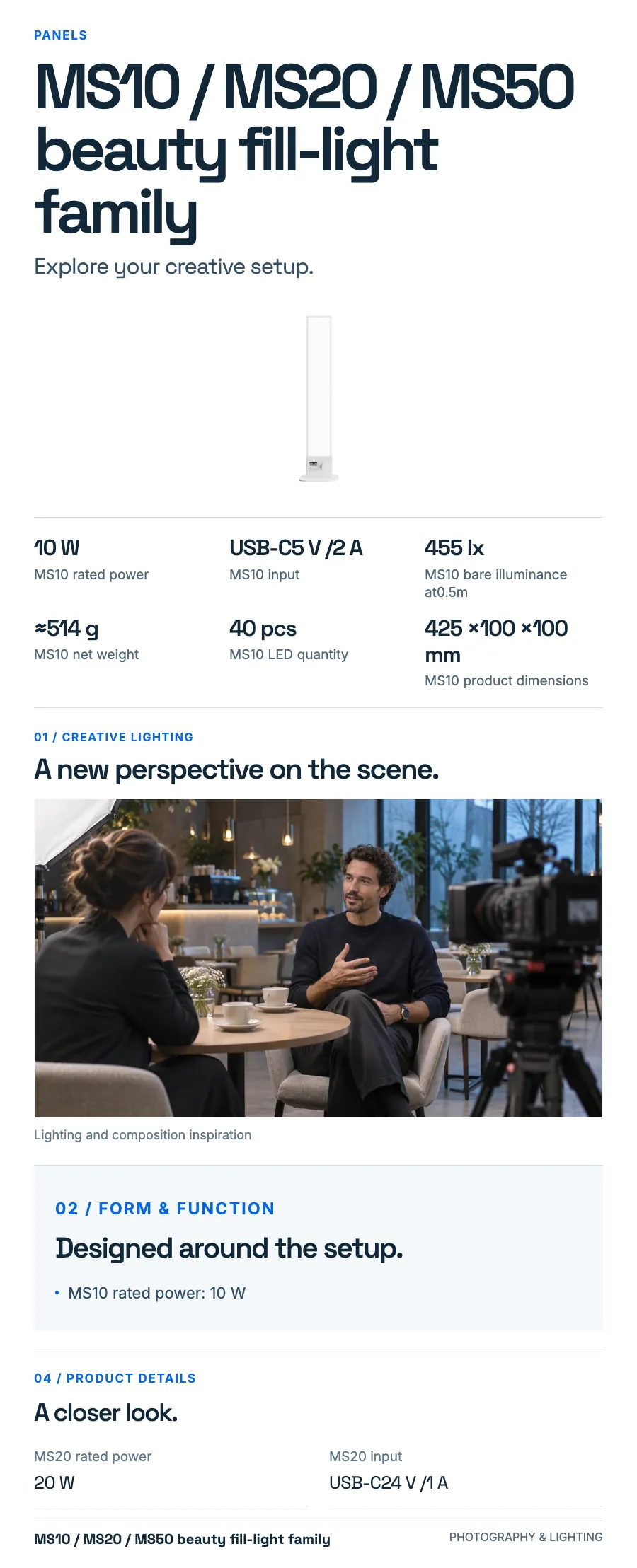
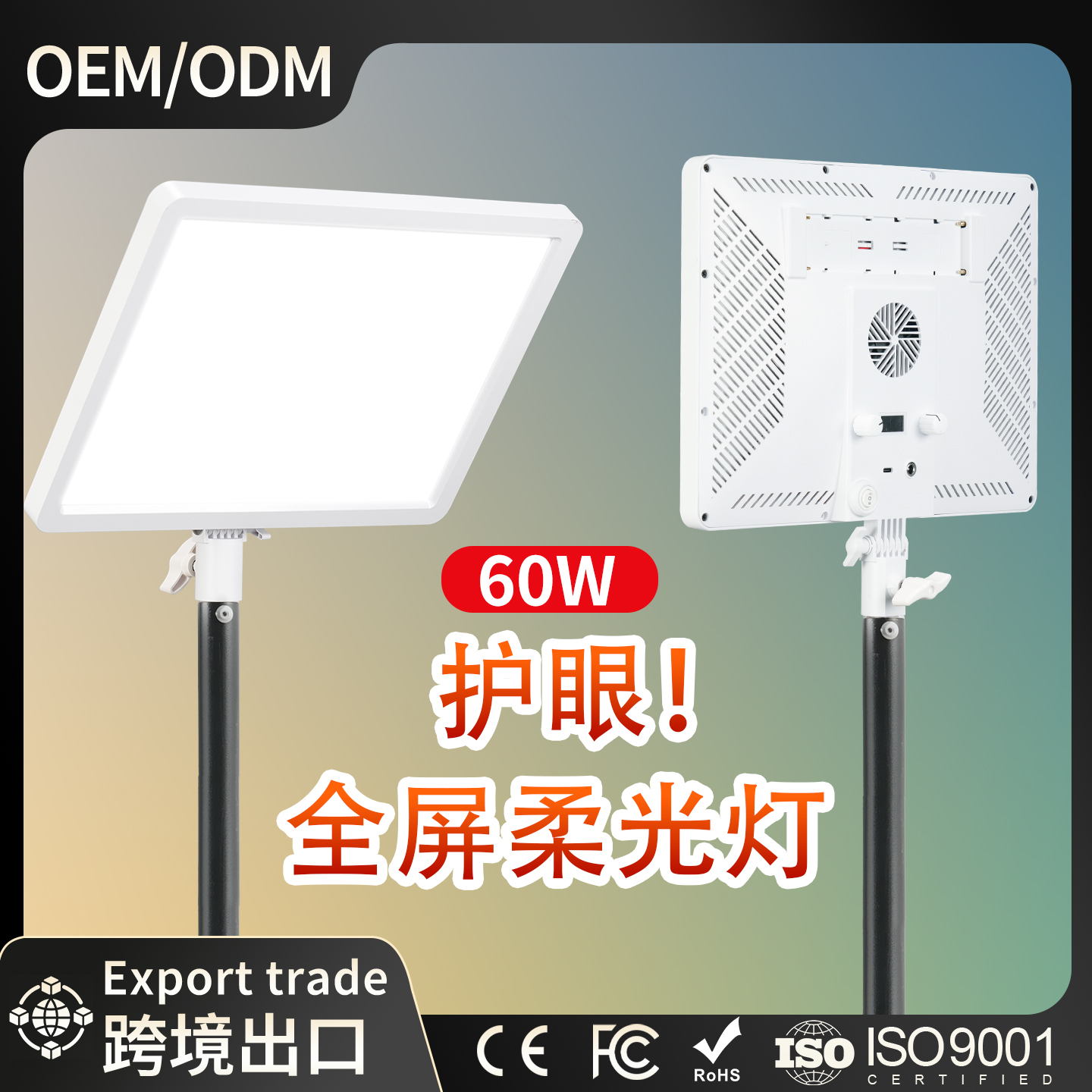
IN FOCUS/ MS10 / MS20 / MS50 beauty fill-light family
Light starts with an idea.
Explore the setup, then make the light your own.
01
Give the frame a light direction.
For a portrait, interview or tabletop composition, start with the light angle and its distance from the subject. Add diffusion or a separate fill to shape the atmosphere of the frame.
Brightness control
1–100 %
02
Find your working rhythm.
Keep the controls and power connections within reach. Match the setup to the way you move between framing, lighting and capture.
Control
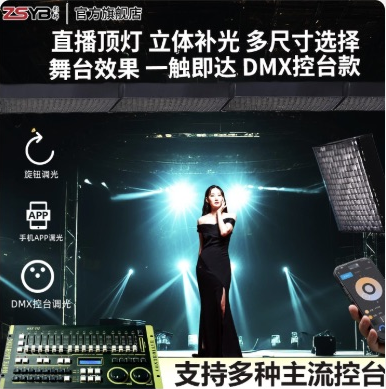
Dials / Smart Photography Lighting System app
Brightness control
1–100 %
Beauty fill-light family · three model versions
MS10 / MS20 / MS50
Explore MS10 / MS20 / MS50. Choose a configuration and view the product details.
Explore product images, configuration information and available documents.
Model
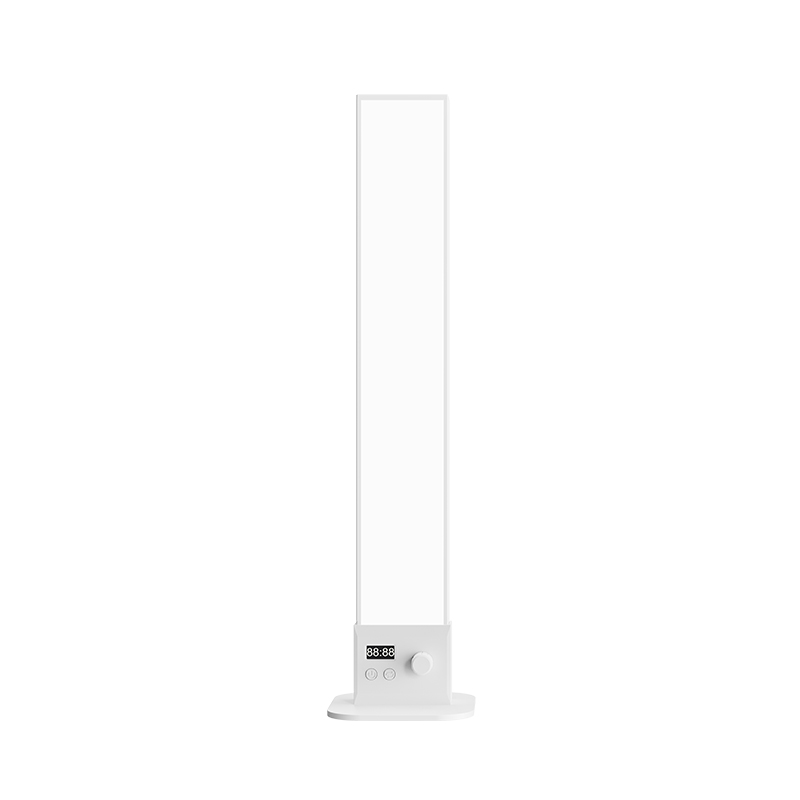
MS10 / MS20 / MS50 beauty fill-light family
View original source images
Image 1 / 1 · Open original image ↗
View product source documents
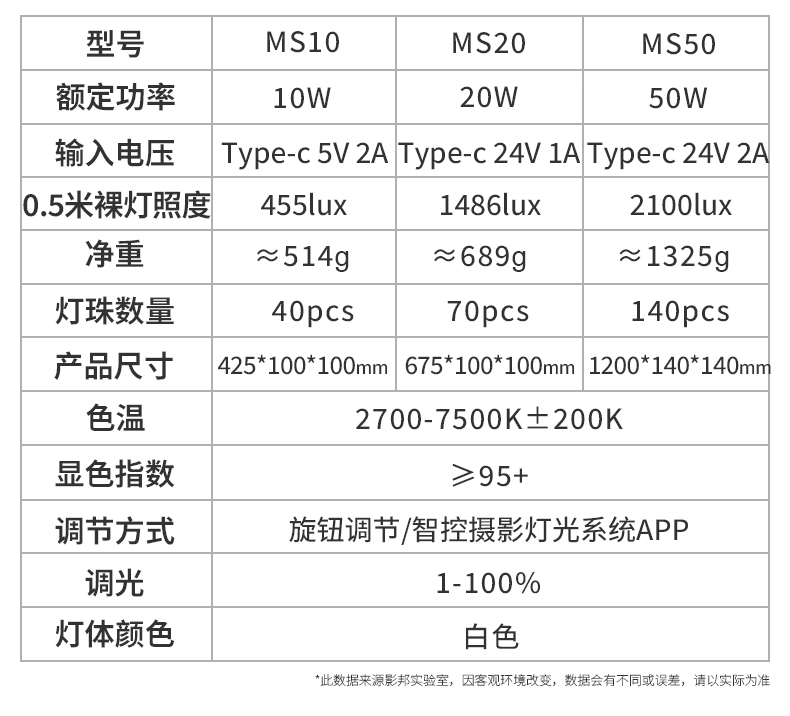
Original evidence remains separate from the product photographs. Read the specifications above alongside this sheet.
Specification sources (1)
Original source sheet 1 · Chinese original · Open original source sheet ↗
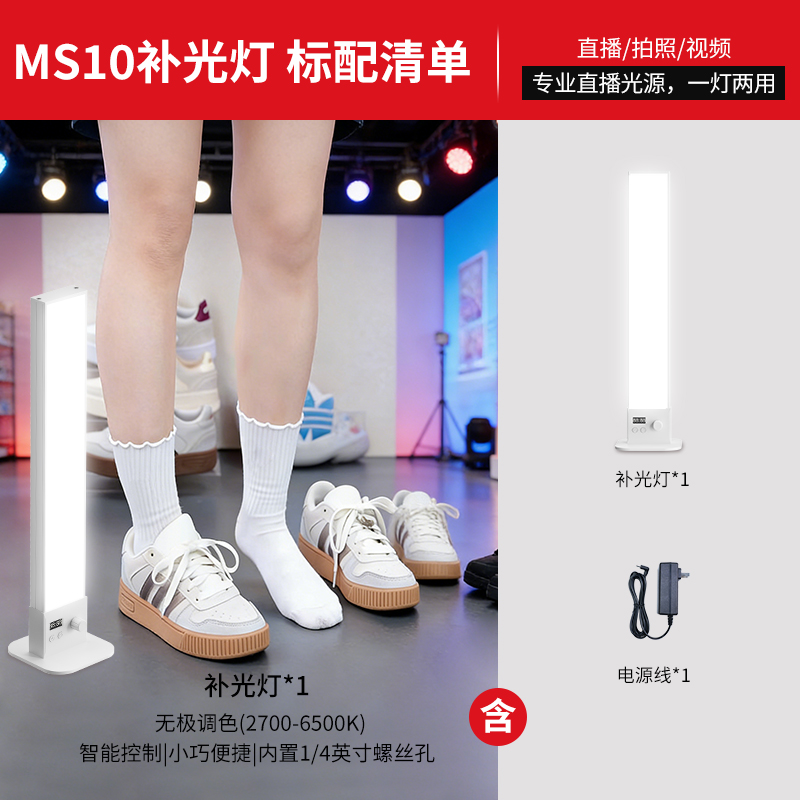
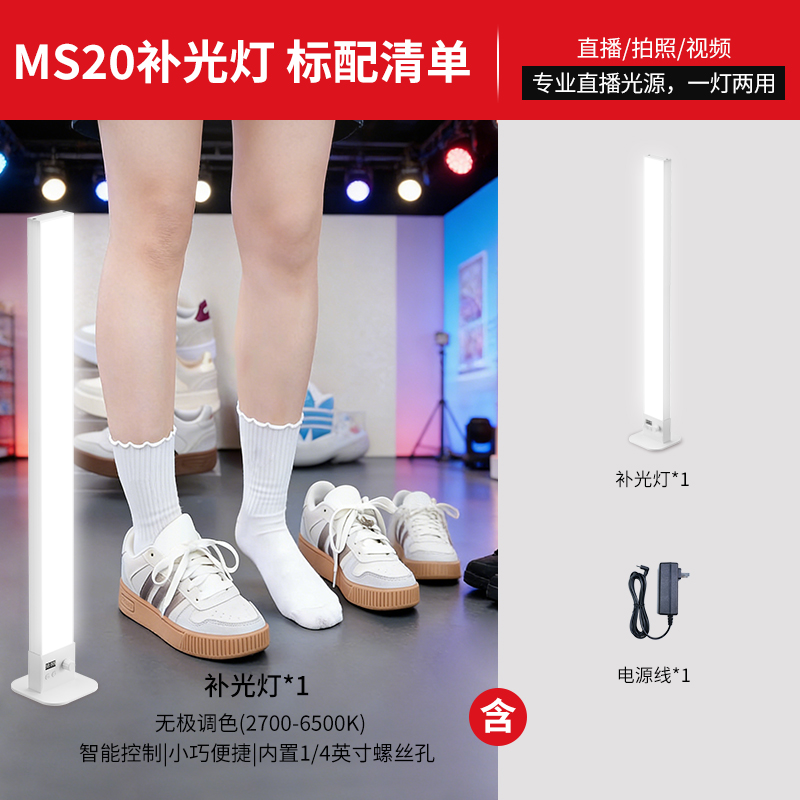
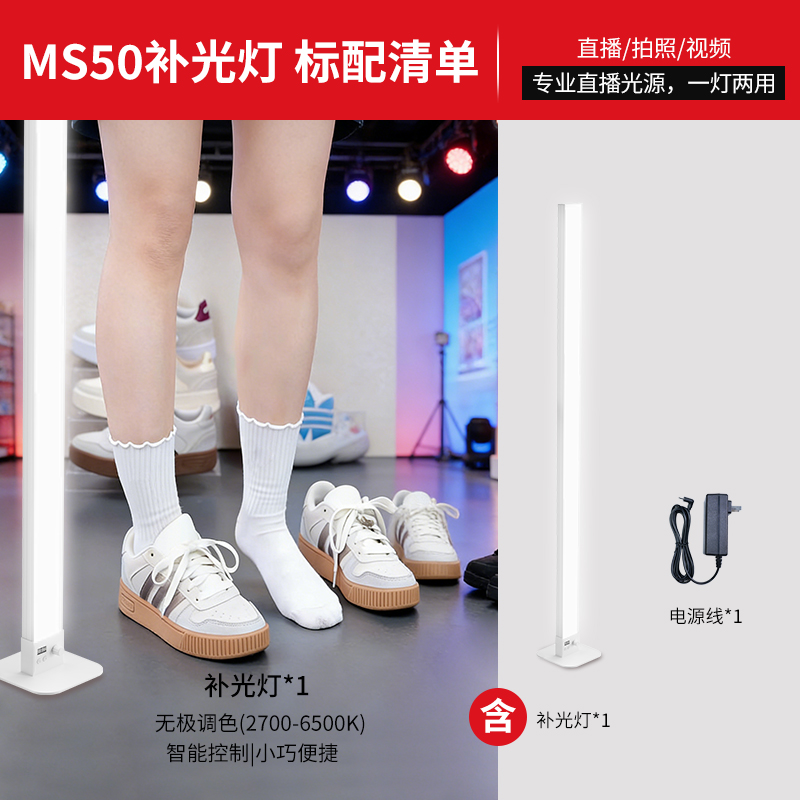
Source packing lists (3)
Source packing lists 1 · Chinese original · Open source packing list ↗Source packing lists 2 · Chinese original · Open source packing list ↗Source packing lists 3 · Chinese original · Open source packing list ↗